Publications and issues are now filterable
Until now, we had no way to collate books or magazines in our database. We simply had a free text field for the issue names, and it was.. frankly a mess. We had our reasons for doing it this way, but it was time to change it. So we've been working on cleaning it all up!
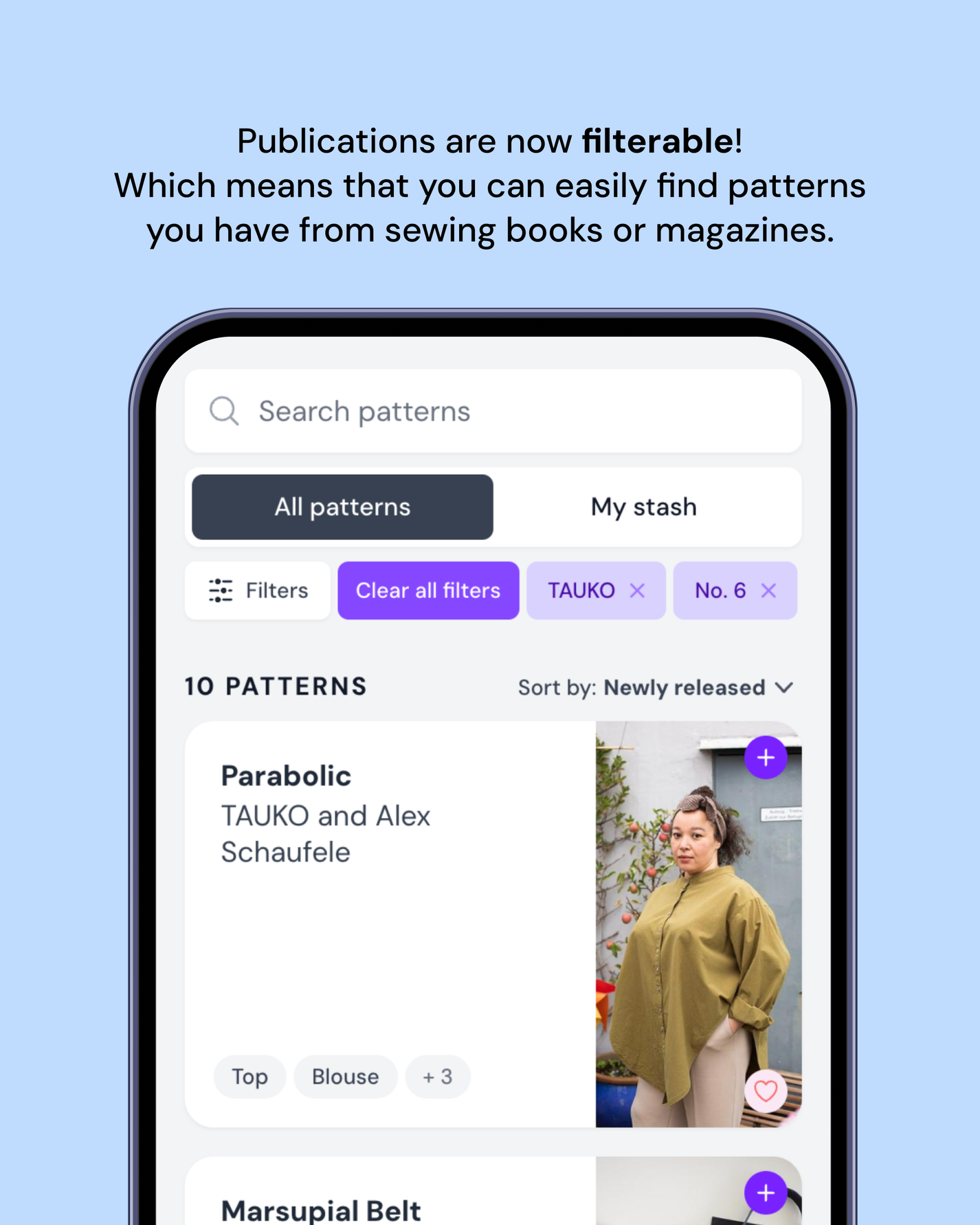
Most important for us was that you can easily see all the patterns from a publication that you own. And that it's more streamlined to add new publications to the database.
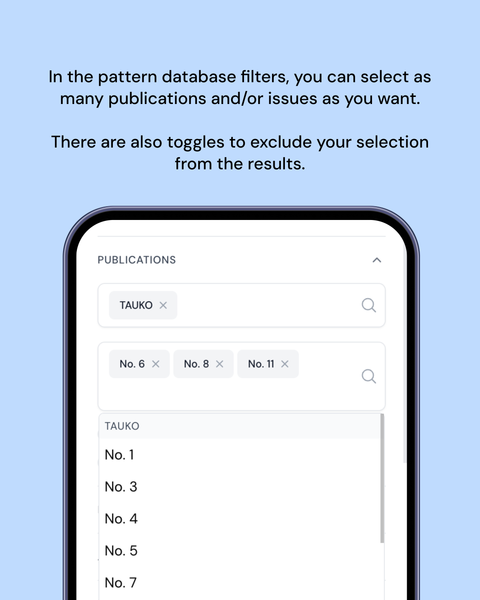
We also needed to solve the problem that sometimes a pattern is published in different issues or even publications, so you can now pick multiple.
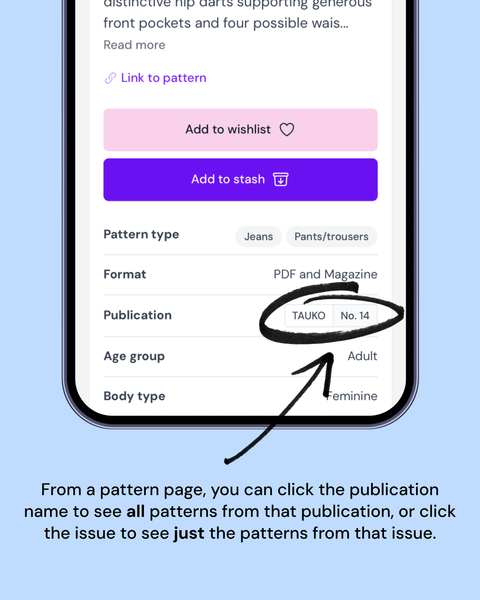
Use the Publication filters in the pattern database to find the books and magazines you own. You can also click the name of the publication or issue on a pattern page to see an overview of the other patterns in that publication/issue.
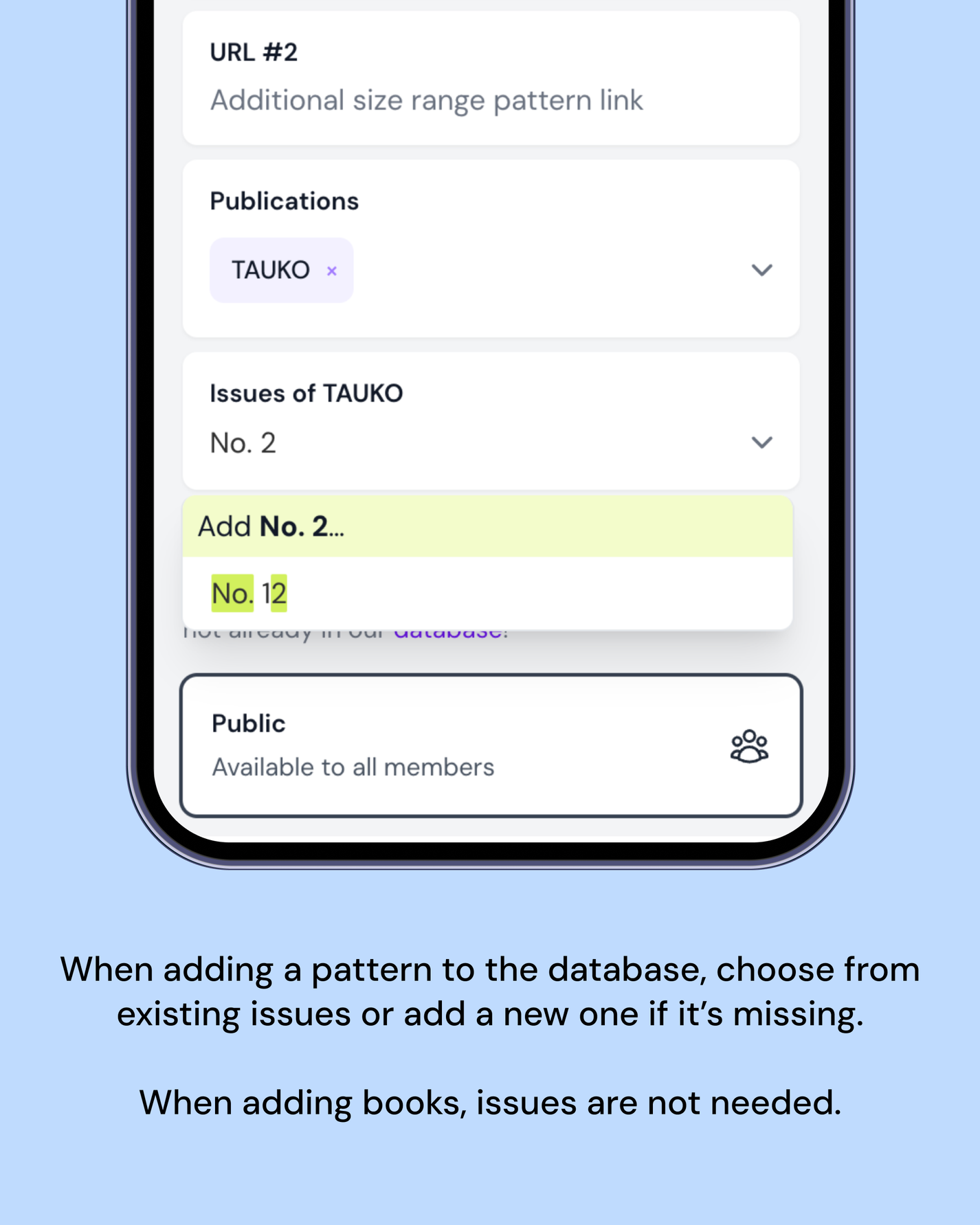
Now that publications are a resource instead of just text, it's much easier to know the correct format to enter an issue as. Before, you had to go back and check other patterns or just guess if it's "Issue No. X", "No. X", "Edition X" or whatever. Make sure that you follow the previous format when adding new issues, and make sure you're not creating a duplicate.
When adding books, there is no need to fill the issue field. Do not enter the year of release for example.