Happy thursday, guys! We made lots of new features and improvements so far this week! Me and Endre are so excited to tell you all about it. Here we go…
Filter and sort pattern lists
For a while now, you guys have been asking for ways to filter, search and sort patterns within a pattern list. We knew this was coming, but we weren't completely sure how to solve it. We could add some basic filters inline to the lists, but that felt icky. We didn't want to make a less user friendly copy of functionality we have elsewhere. Instead, we decided to find a way to open up the pattern database; showing just the patterns from the pattern list! This way you could use any of the powerful database features to find what you're looking for.
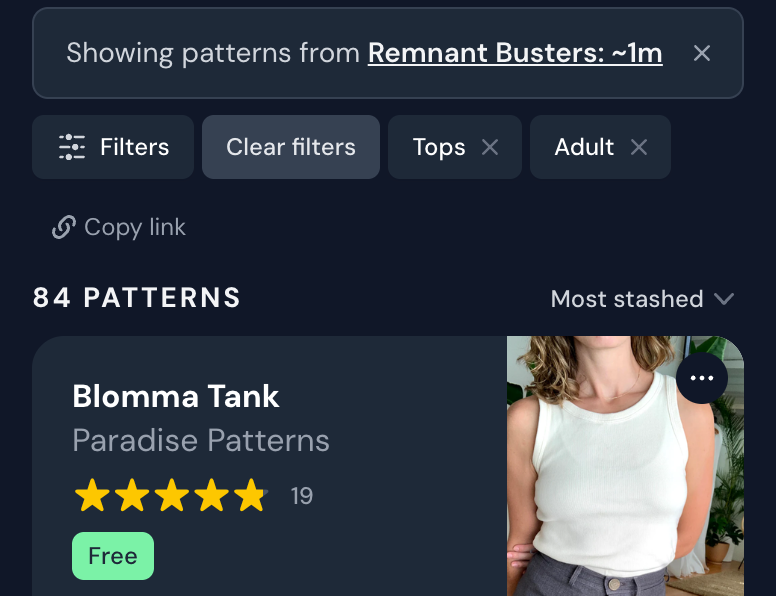
For example, you might want to see only tops for adults in a pattern list for Remnant Busters - because you have some remnant fabric you want to create a top with.
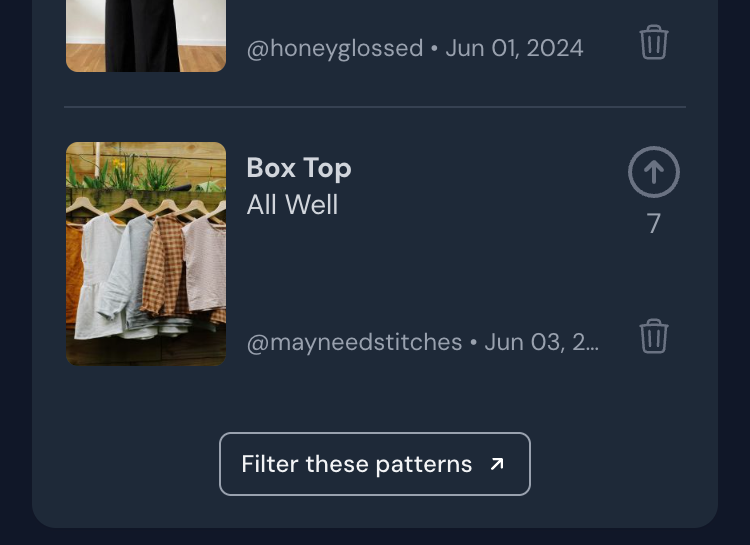
To do this, you scroll down to the bottom of the list to find the Filter these patterns-button:
Filter these patterns-button at the bottom of the list
You will then see a filtered view of the pattern database showing just the patterns from the list. To further narrow down your results, you can use all the powerful filters in the database. For example, here is that same list as before, filtered to only show: Pattern type -> Tops Age group -> Adult
Patterns filtered by pattern list + Tops + Adult
Amazing, right? We believe this can totally change how we're using pattern lists on Threadloop! Lists are great for collecting a human vetted and voted on selection of patterns, but sometimes you might want to combine this with your own preferences.
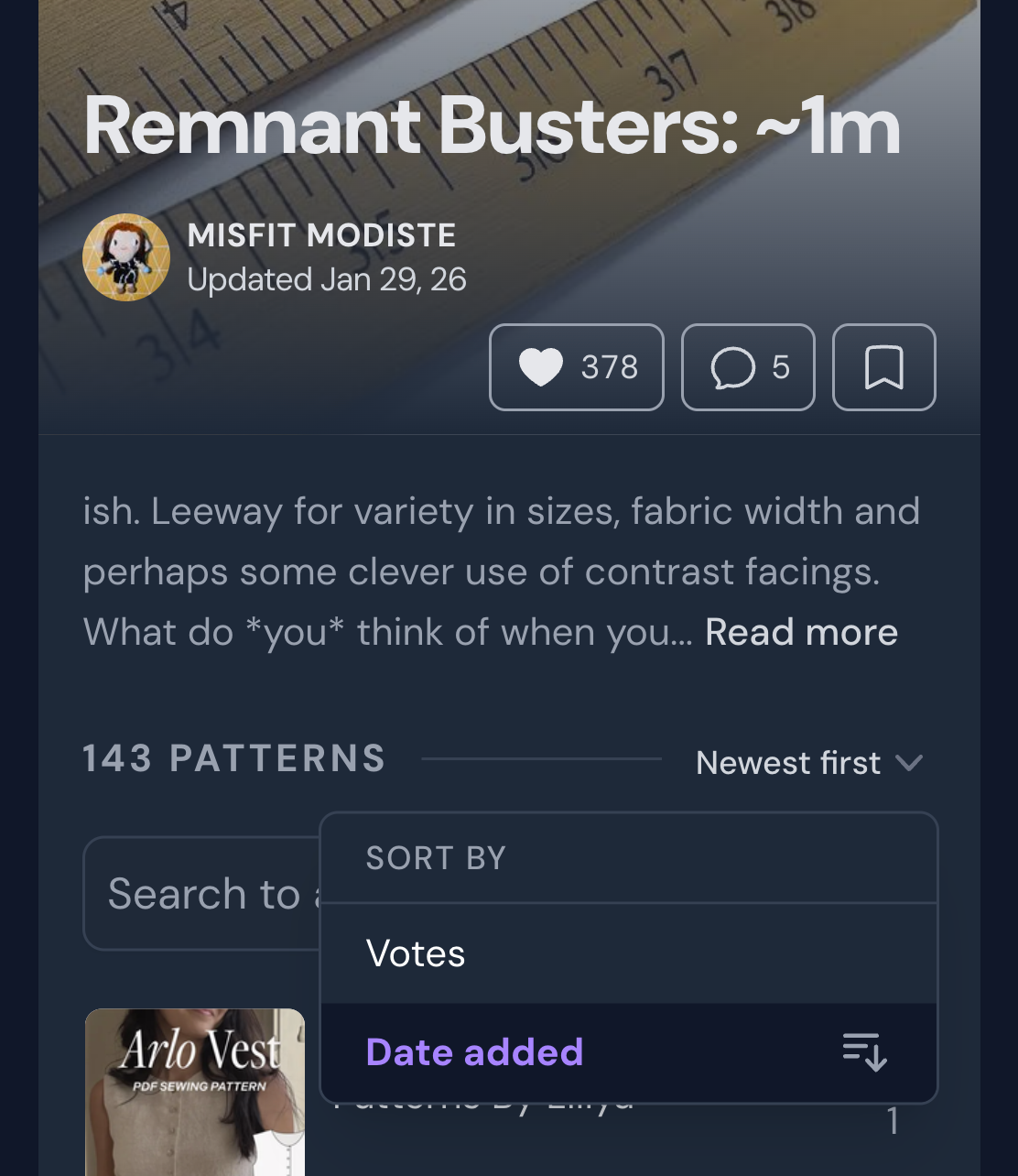
Sorting collaborative lists We decided to add one thing to the pattern lists themselves, which is sorting. However, this sorting is only related to the items in the lists - not the patterns themselves. The sort options are for how many votes a pattern has received, and when it was added to the list. If you want to check one of your favorite lists for new additions, you can sort by Date added: Newest first. The default is most votes.
You can only sort items in collaborative lists, because editorial lists are ordered manually by the creator of the list.
Sorting a collaborative list by date added; newest first
Auto-save images - new setting
Anywhere you can upload images to your resources (projects, fabric, notions…), we have added a new setting! Basically, whenever you want to add images to something - there is usually a Save button that you have to click to actually upload the images. We've done it this way so you can have access to editing and adding captions/alt text to images before uploading them. However, sometimes you just want to add your images quickly and easily, without making any changes to them.
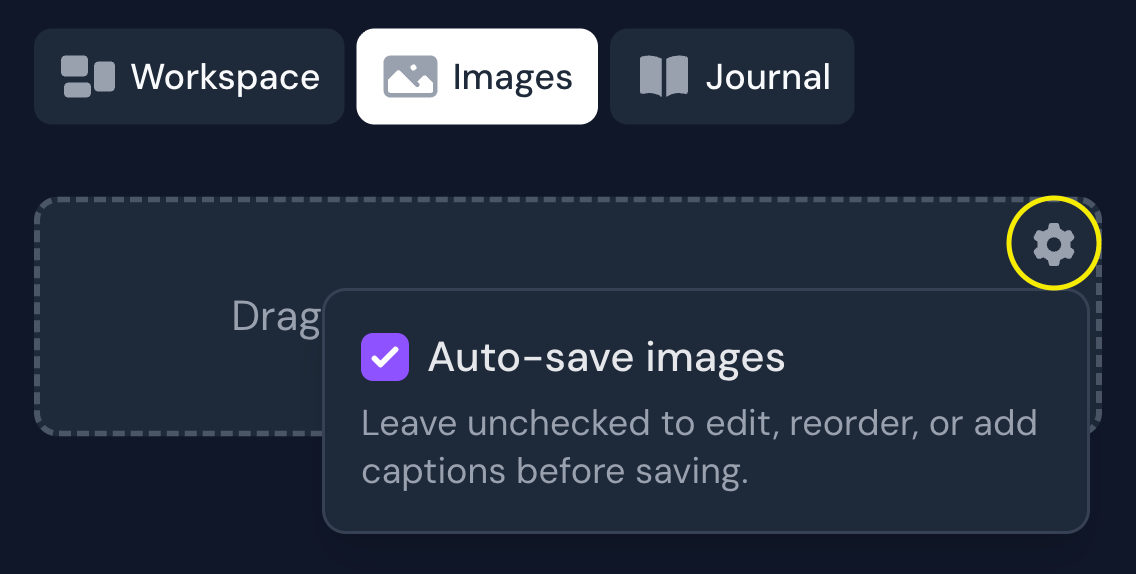
This new setting allows you to skip the save-button and instead auto-save all images!
New auto-save images setting
This is off by default, but you can toggle it on if you prefer auto-saving. This setting will then be the same for projects, fabrics, and notions.
In short; if you don't care about reordering, editing or captioning the photos you're uploading, you can toggle auto-save to make this process slightly smoother.
Profile sharing - better previews
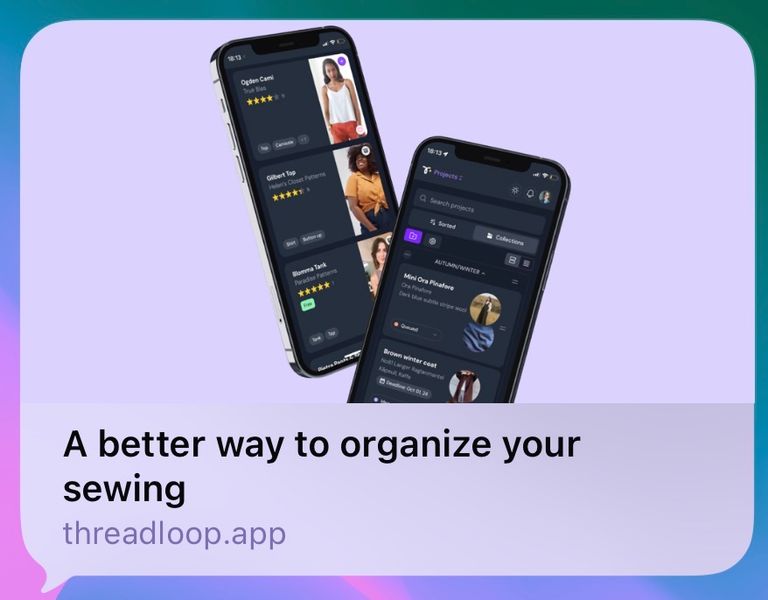
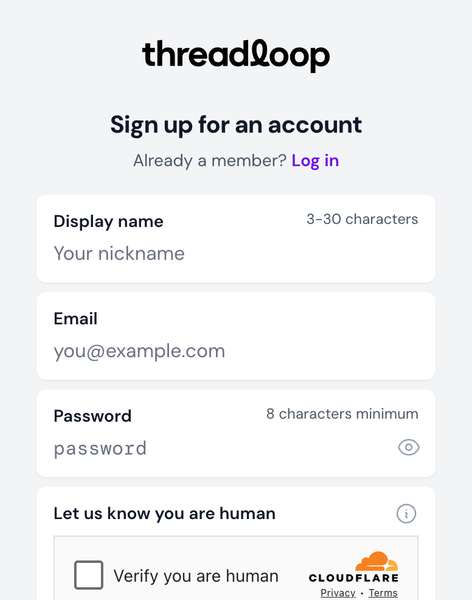
Whenever you shared a link to your Threadloop profile, it would be quite underwhelming for people who weren't signed up/logged in to Threadloop. The link preview on social media platform was the default Threadloop stuff, and you got sent straight to a sign up screen. Sigh!
So we're made two changes to make this a bit more.. whelming. The link preview looks a bit more exciting and personal; Find me on Threadloop in the image + Username is on Threadloop as the text.
Old profile link preview
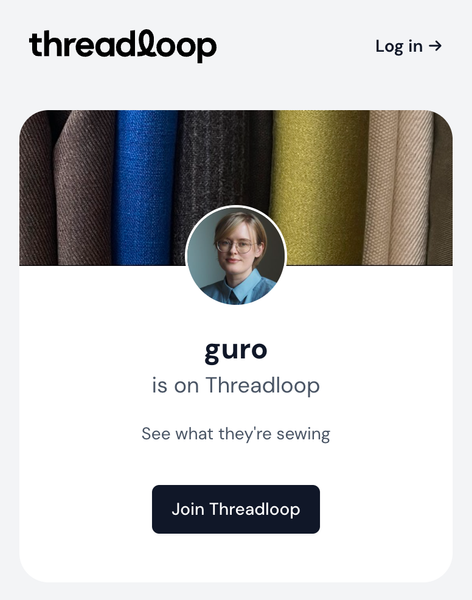
New profile link preview
More importantly, we've changed out the sign in screen with a preview of the user profile. This will show your avatar, cover photo and username, and if people want to see more of your profile, they need to sign up or log in. This is similar to how we preview shared projects to people who aren't logged in.