This brief visual guide will help you find the information on your pattern envelope that you'll need when adding patterns from traditional paper pattern companies to the database.
Please read Adding New Patterns for more information before adding patterns. Remember to always add images of both the front and back of your pattern envelope.
Threadloop is a community built database and the pattern entries are used by the whole community. Making sure your entries follow the guidelines before adding them helps improve the database for everyone and prevents duplicates.
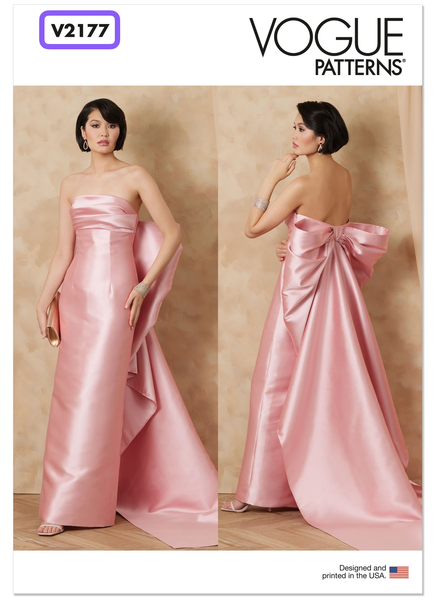
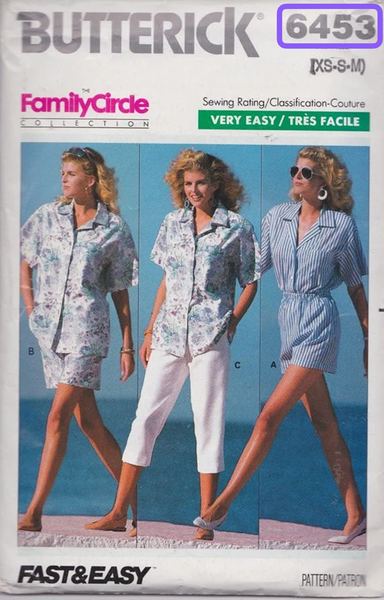
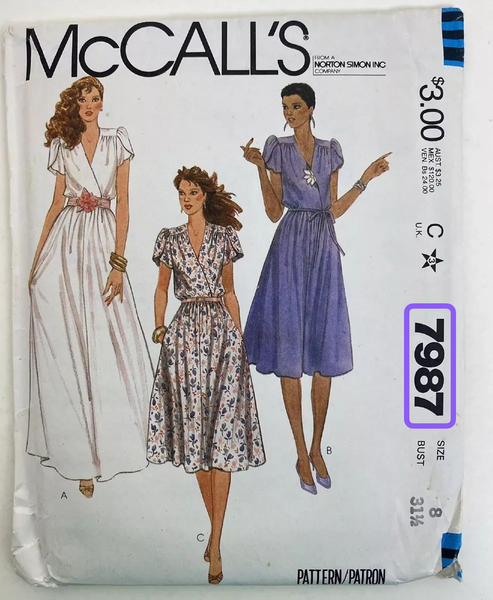
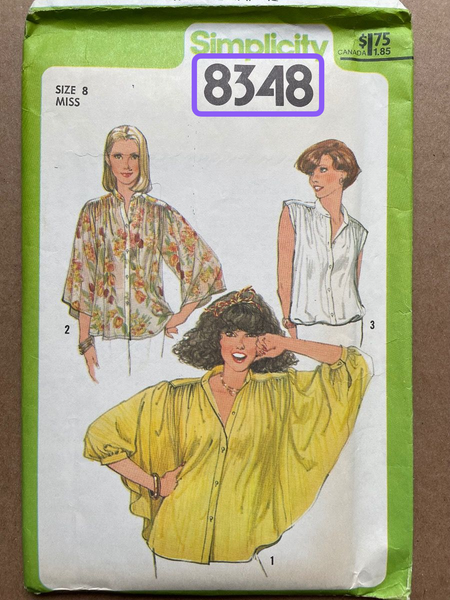
First, add the pattern number exactly as written on your pattern envelope, some will have a letter prefix, but most older patterns do not:
Pattern name: find the official title
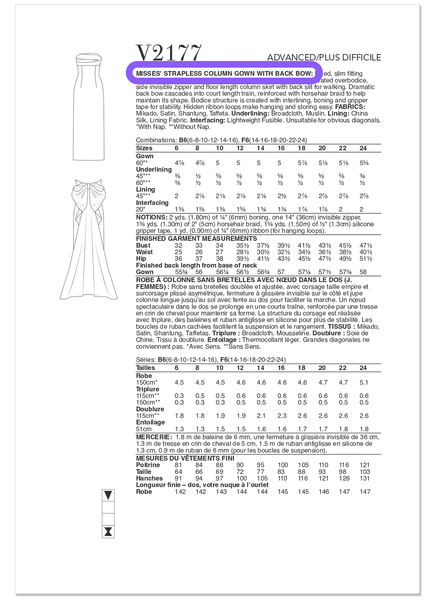
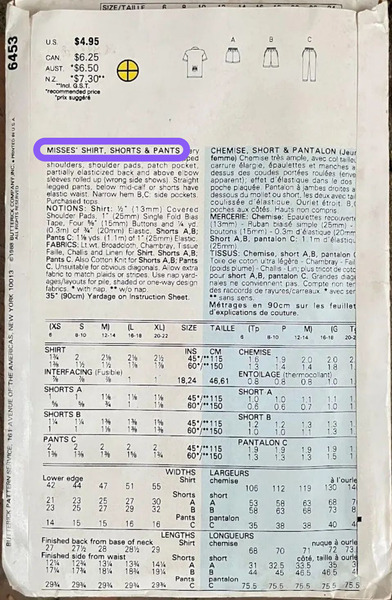
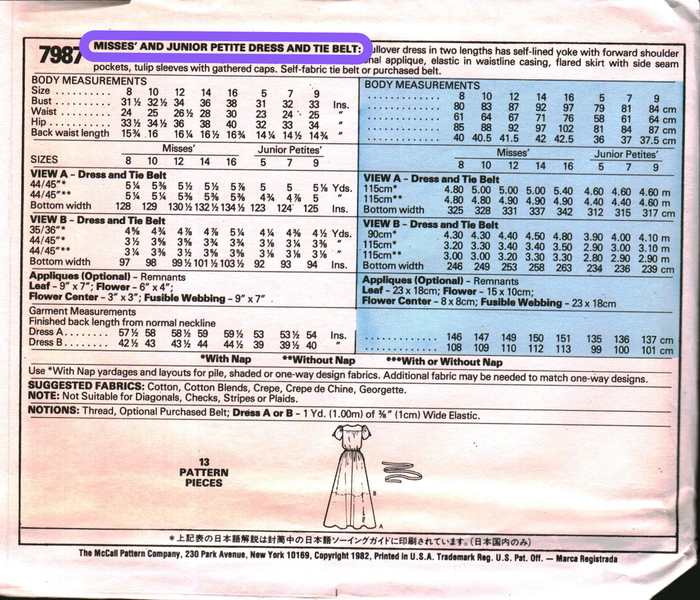
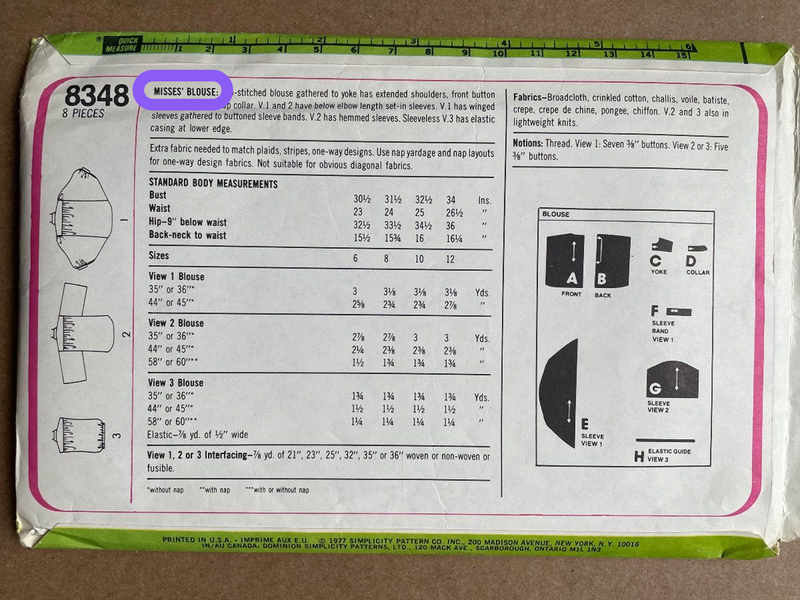
Next, you'll find the official title/description of the pattern. You'll add it exactly as written. Usually this is in bold print on the back of the pattern envelope.
So far, we have: V2177 | Misses' Strapless Column Gown with Back Bow 7987 | Misses' and Junior Petite Dress and Tie Belt 6453 | Misses' Shirt, Shorts, & Pants 8348 | Misses' Blouse
Pattern name: what not to include
Remember not to include the designer, size, pattern line, words like "pattern" and "vintage", or anything other than the official pattern number and title in the pattern name. All other relevant information can be added to other parts of the form.
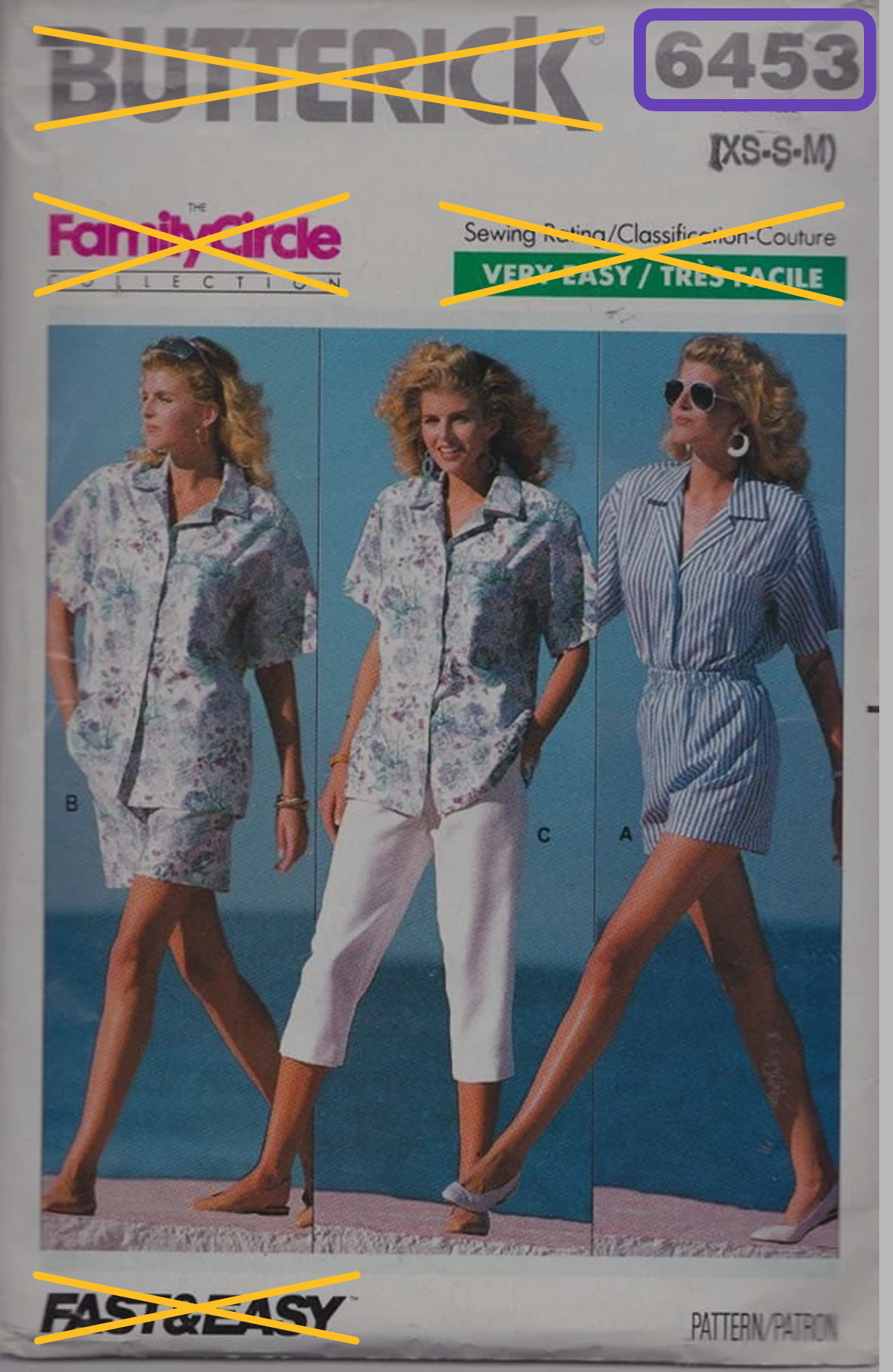
Here are some things NOT to include in the name crossed out in yellow:
Info crossed out in yellow should not be included in pattern name, only the number is relevant
Pattern designer
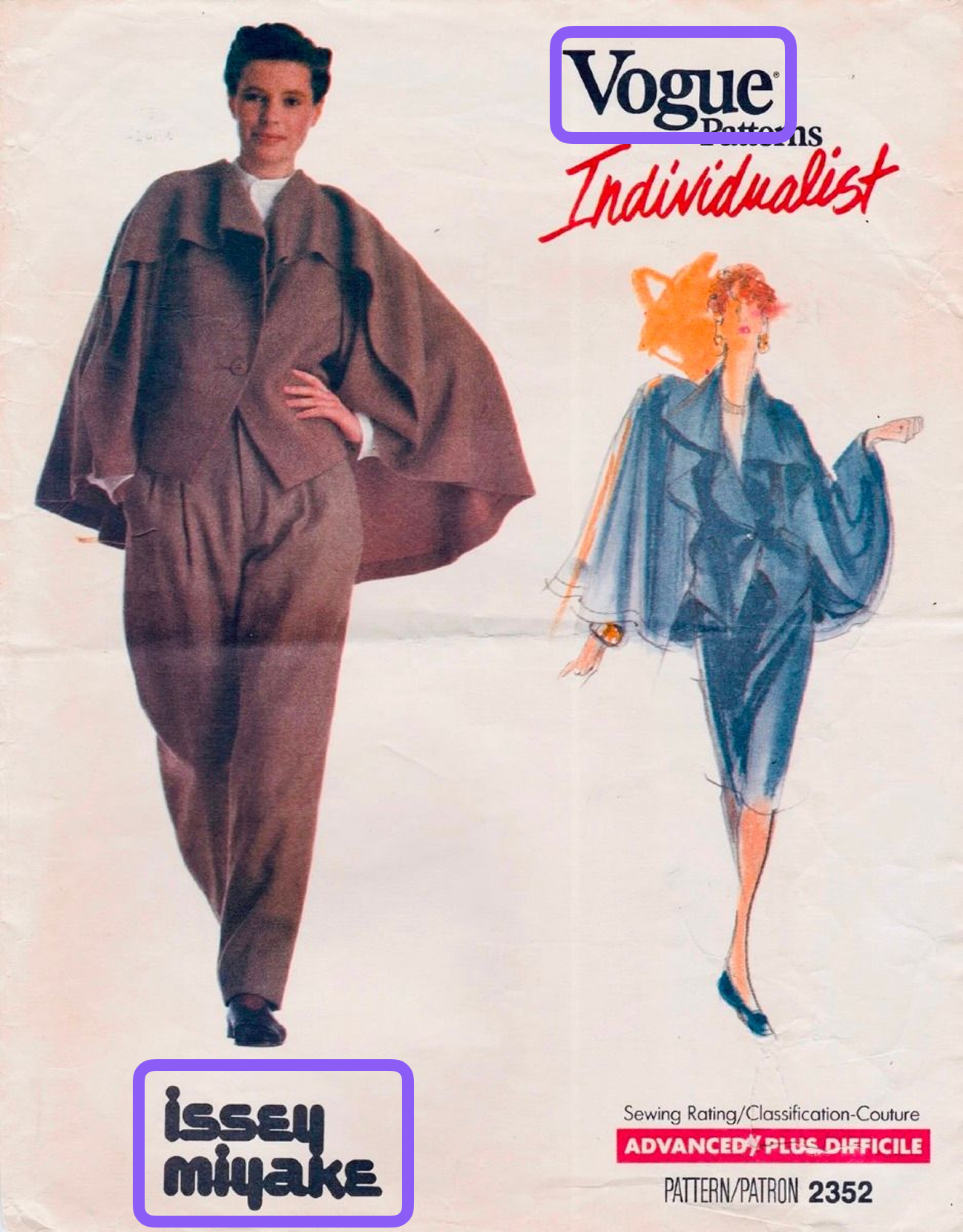
Often, there's just one designer (the pattern company), but sometimes there's more than one. In this example, you will add two designers, Vogue and Issey Miyake.
Two designers on pattern envelope
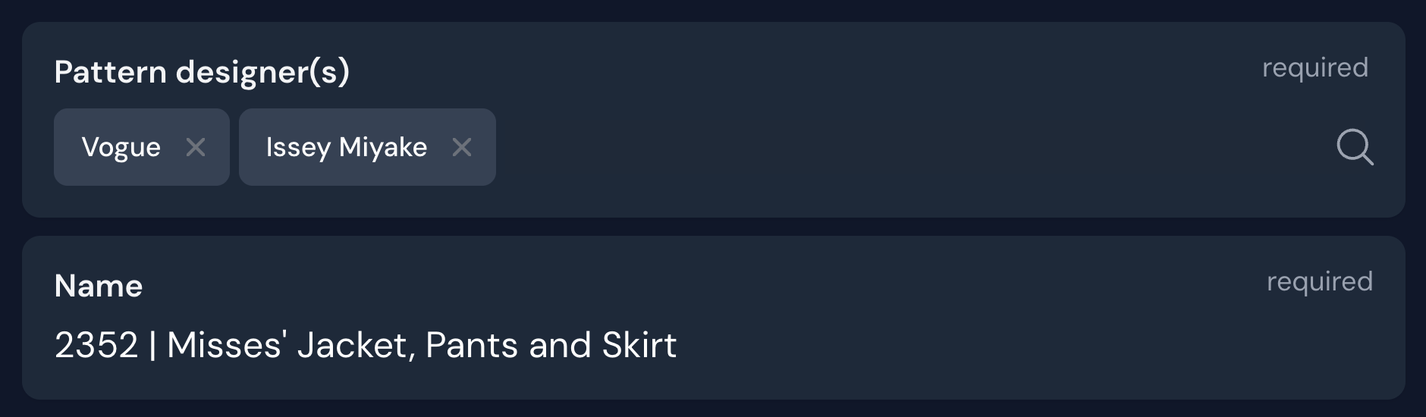
How it will look in the form, where you can add multiple designers:
Size: add the full size range and measurements
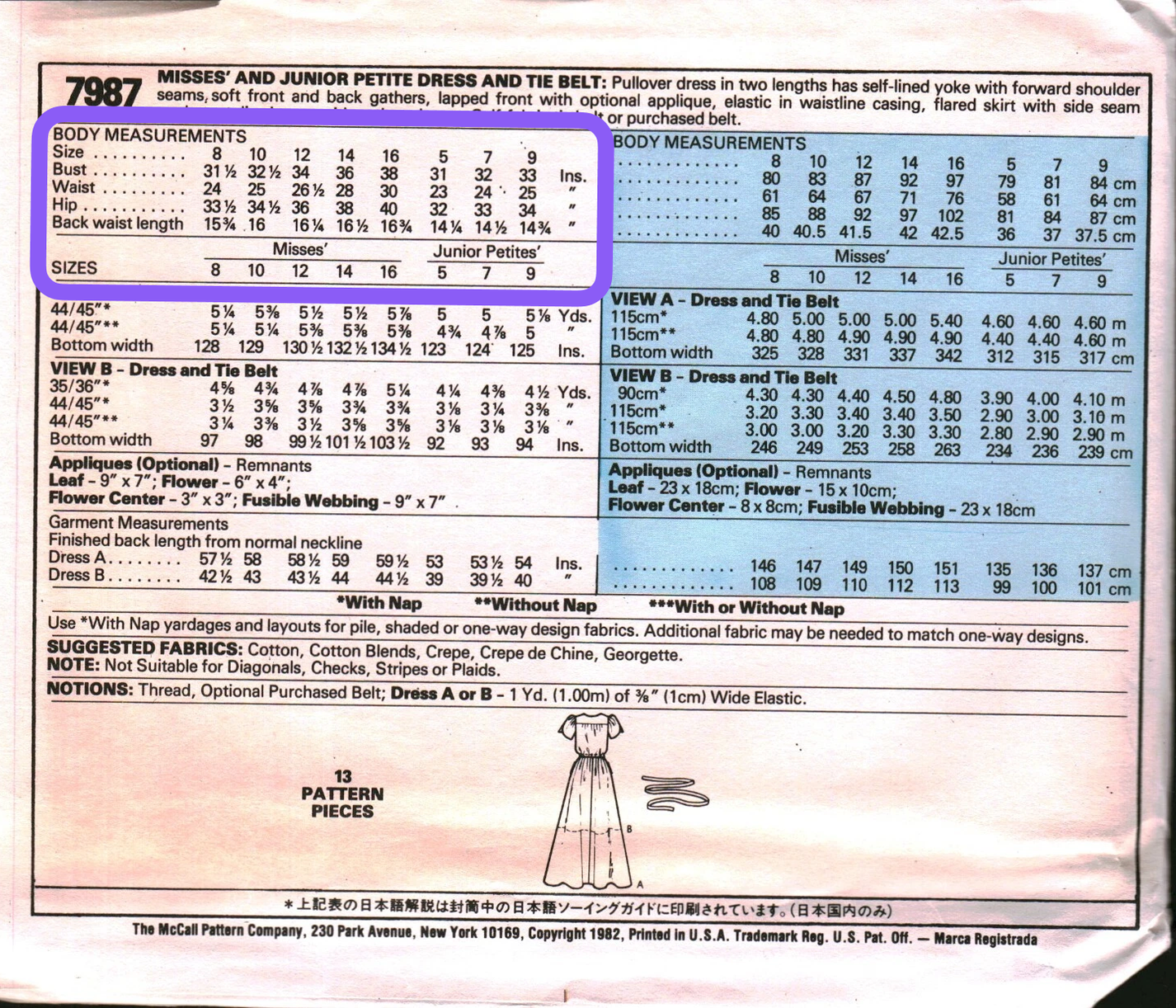
Add the full size range that the pattern is available in. This information is usually on the back of the pattern envelope. For more information, see Size and Fit in Adding New Patterns.
Size range: 6-12
Size range: US Misses' 8-16, Junior Petite's 5-9
Size: don't only add the sizes you own
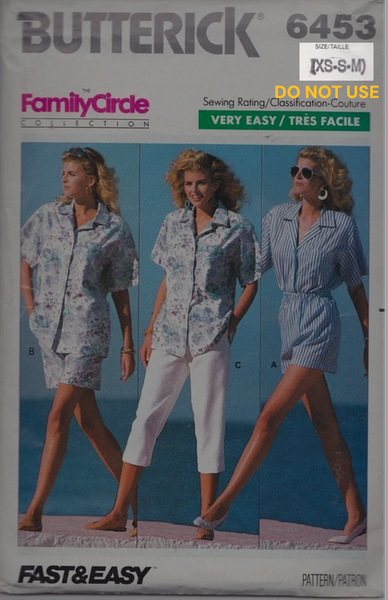
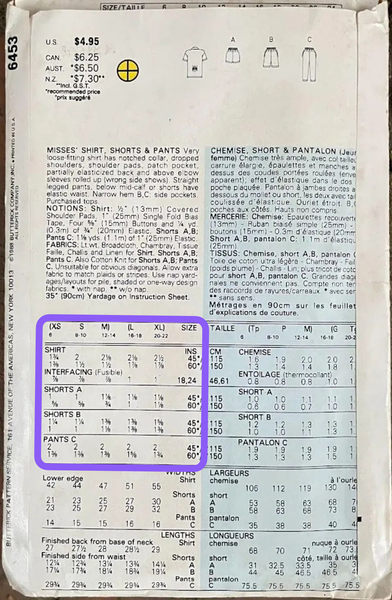
Many patterns don't include all sizes in each envelope. Add the complete size range (on the BACK of the envelope), not just the size in the envelope you own (on the FRONT of envelope).
Do not use the size range limited to your copy
Use the full size range on the back of the envelope
To record which size or sizes you personally own, use tags or notes under My Details.
Size: don't use finished garment measurements
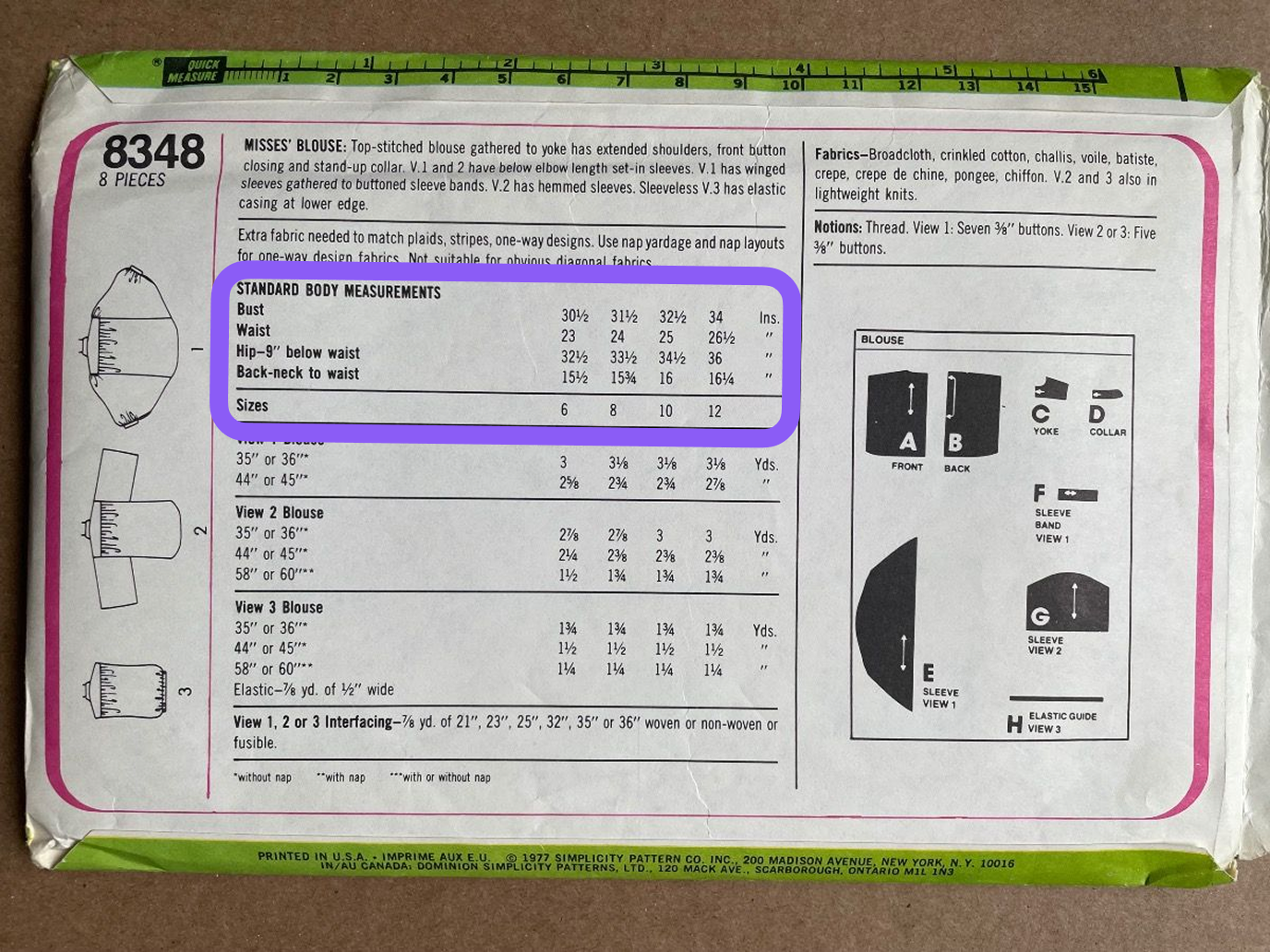
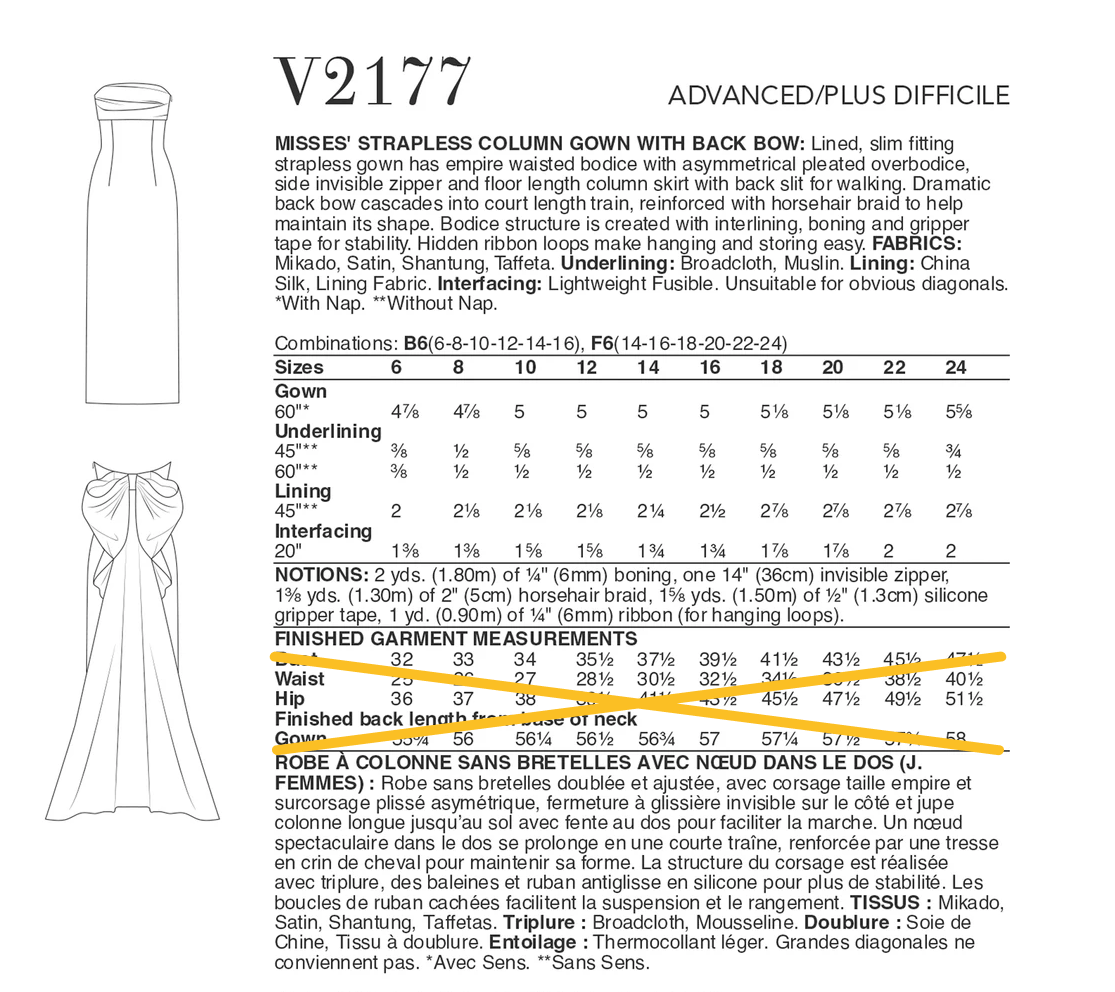
Some patterns also include finished garment measurements. Only body measurements are used (not finished garment measurements).
Don't add this:
Instead, you should enter the minimum and maximum hip and bust measurements from the body measurements table.
Release date (publication year)
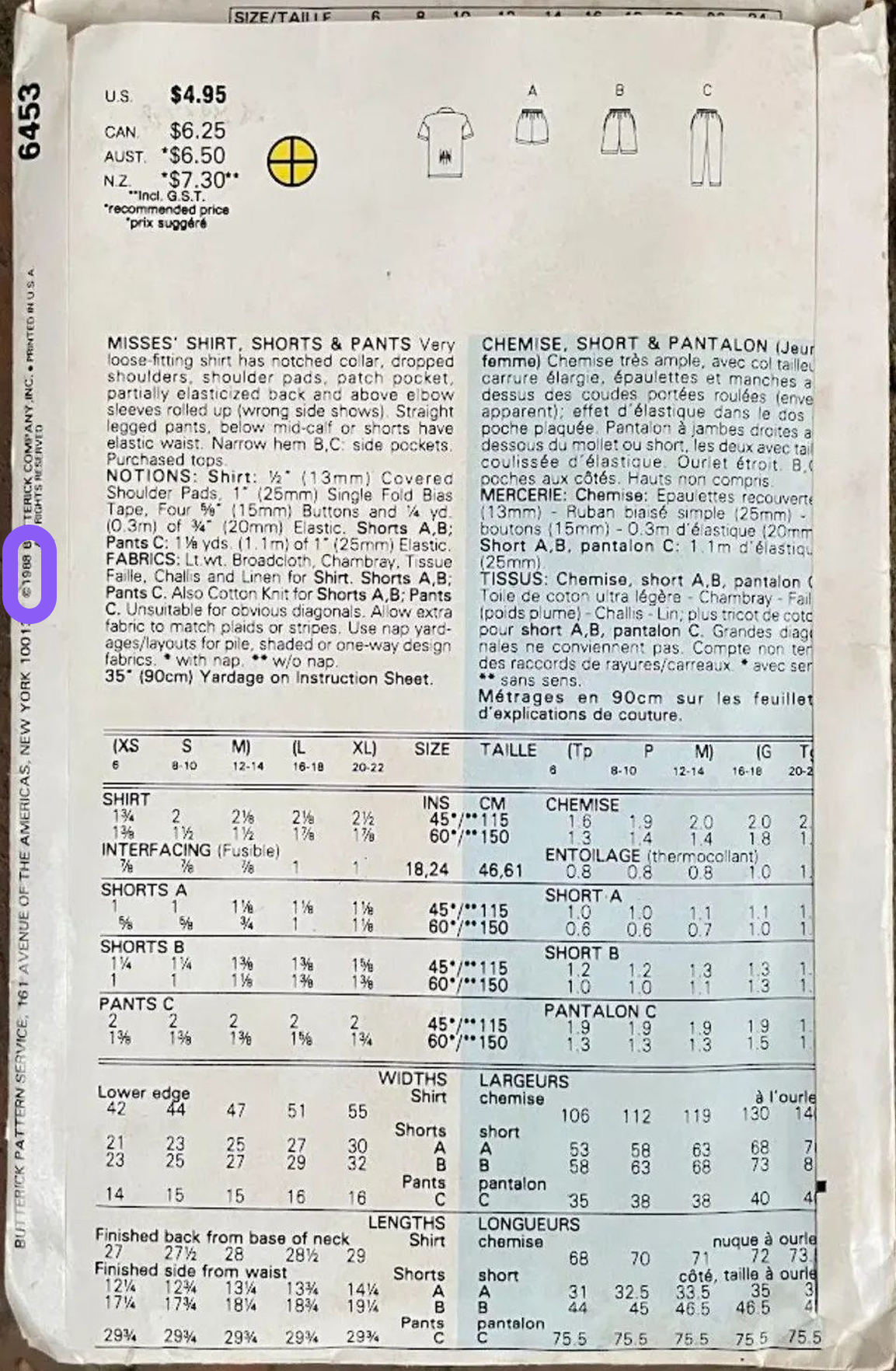
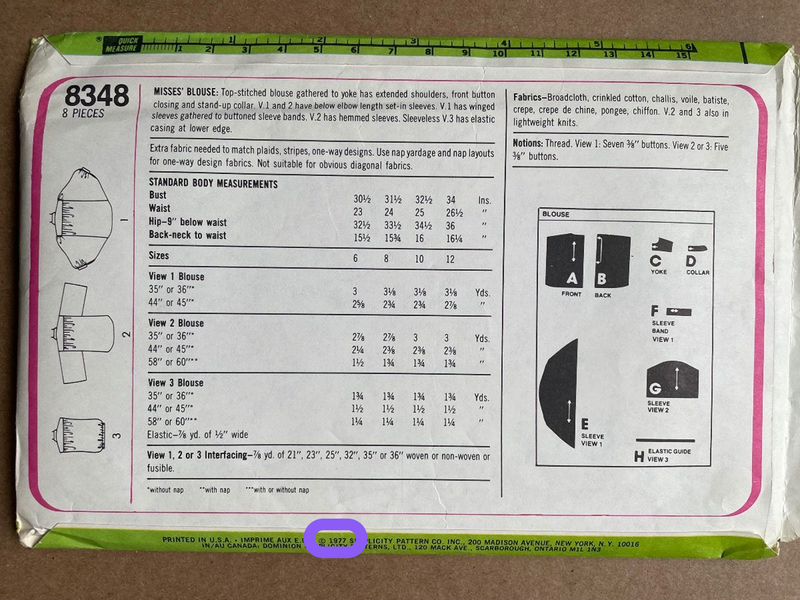
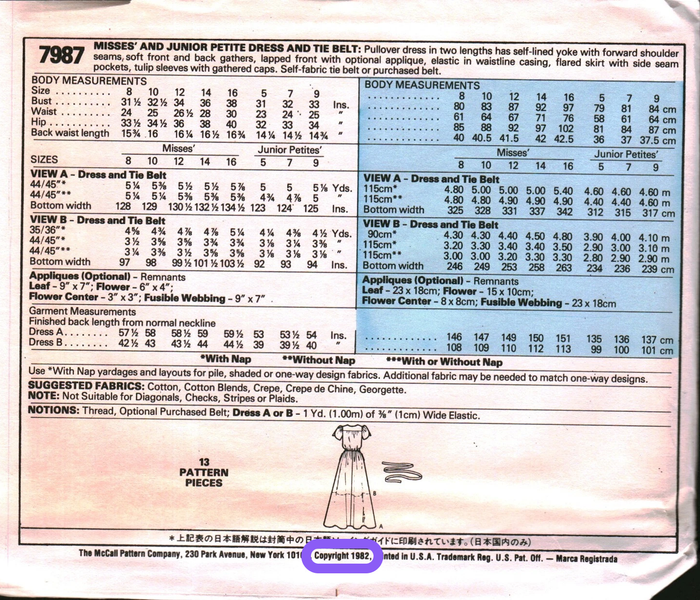
This is often on the back of the pattern envelope in small print or on the envelope flap (not pictured). Some patterns don't include this information.
If you can't find the entire release date, entering just the year is fine (the day and month will default to January 1st of that year). If there is no clear indication of the publication year, leave the field blank.
Languages
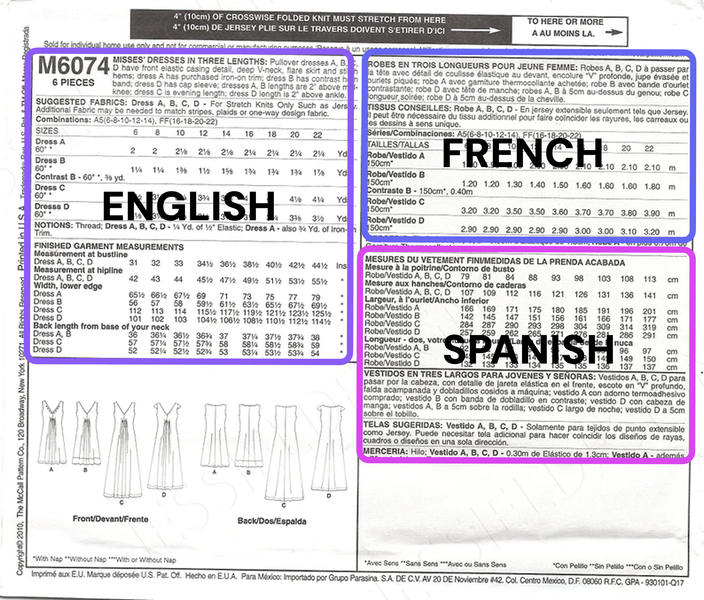
Patterns often come in multiple languages. Add all the languages a pattern is available in.
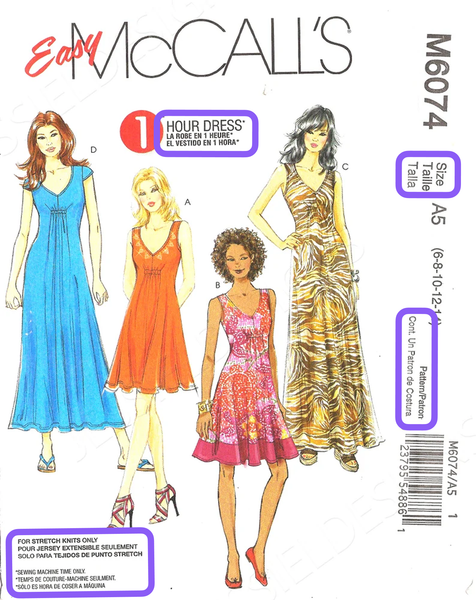
Pattern envelopes often show multiple languages (even when your pattern only contains instructions in one language). Some places on an envelope where you may see different languages:
More
Adding New Patterns. Please read this for complete information on how to add patterns to the database.