Projects
Measurements and people
The measurements page can be accessed from the Organize menu. Here you can log measurements for yourself and others. The first measurements you enter will be tagged as Me and these are the ones that will be shared if you choose to do so in your account settings.
The people you add here will become options in the made for field of a project.
The people you add here will become options in the made for field of a project.
Updating measurements
If you update someone's measurements, their old measurements will be saved under a timestamp with drop-down access.
If there are measurements you'd like to note down that are not an option in the list of measurements, you can add this to your notes at the bottom.
If there are measurements you'd like to note down that are not an option in the list of measurements, you can add this to your notes at the bottom.
Sharing measurements in projects
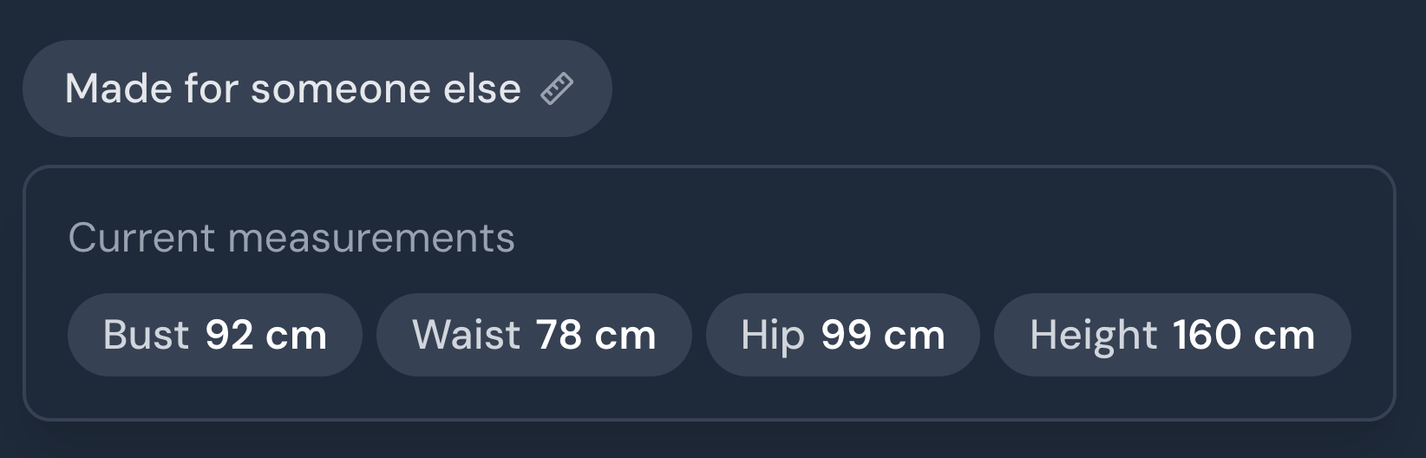
If you share a project that is made for someone with saved measurements, then their measurements at the time of completion will also be shared. If there is no measurements from that time, then the current measurements will be shown.
For people other than yourself, it will show as an anonymous "Made for someone else" button.
For people other than yourself, it will show as an anonymous "Made for someone else" button.
March 28, 2026