If a pattern in the database belongs to a publication, like a book or magazine, you can browse all the other patterns in the publication as well (as long as they're entered in the database).
Where can I find publications?
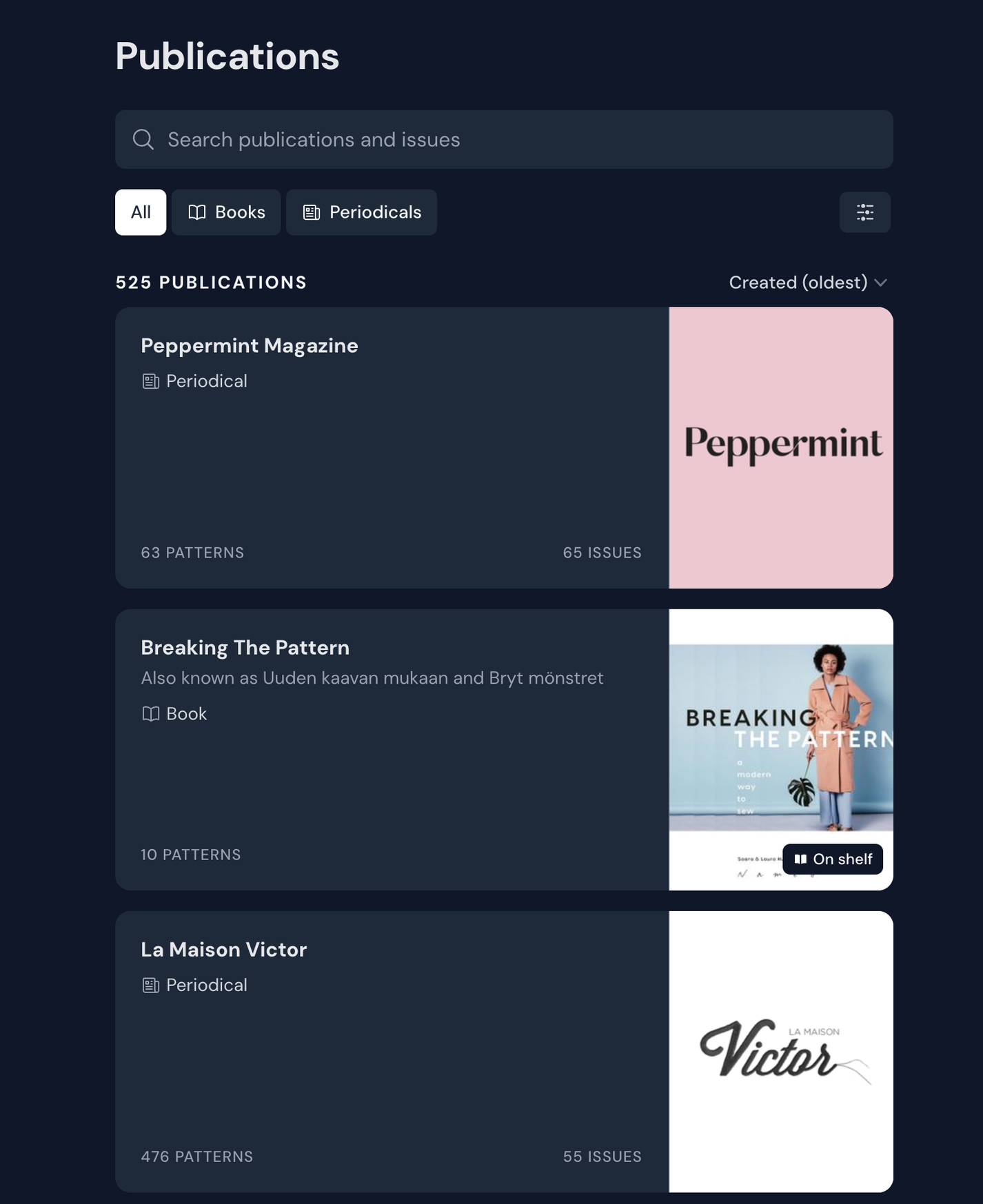
To browse all publications, you can head over to publications. This can also be accessed under the Explore menu.
The publication section
On the pattern page, you will be able to see which publications a pattern has been published in.
If the publication is a periodical (like a magazine) you can click on the name of the periodical to see all issues in the database, or you can click on the issue name to see all the other patterns in the same issue.
If the publication is a book, there are no issues, so clicking the title will take you straight to the book page where you can see all patterns from that book.
Click the publication 'tags' to go to the publication or issue pages
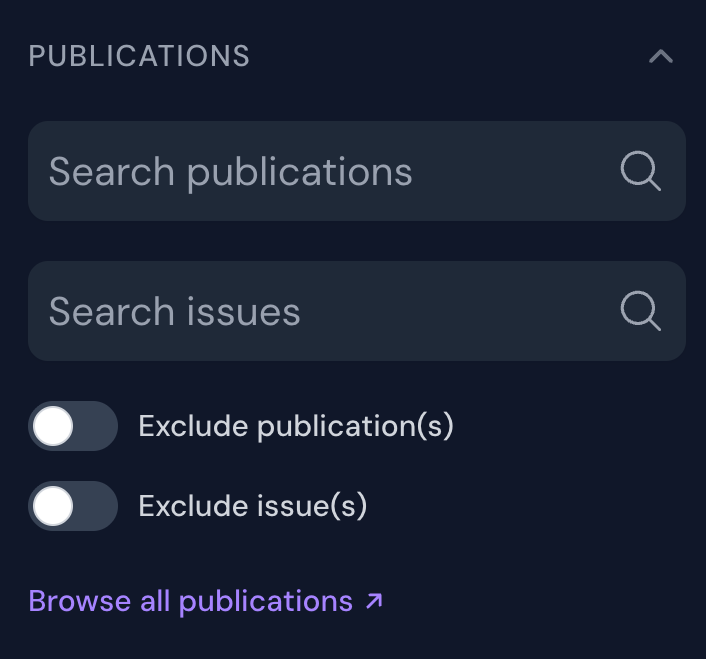
You will also find a link to the publication page in the publication filters in the pattern database.
'Browse all publications' takes you to the publication page
Additionally, you can go to the publication page from your Bookshelf.
How do I add publications?
If you're adding patterns to the database from a publication that isn't already on Threadloop, you can add it when adding your first pattern.
The bookshelf is an overview of the pattern books and magazines you own. When you add a publication to your bookshelf, all its patterns will be stashed. Additionally, if all patterns are not yet added to the database, they will be auto-stashed if they are added in the future.
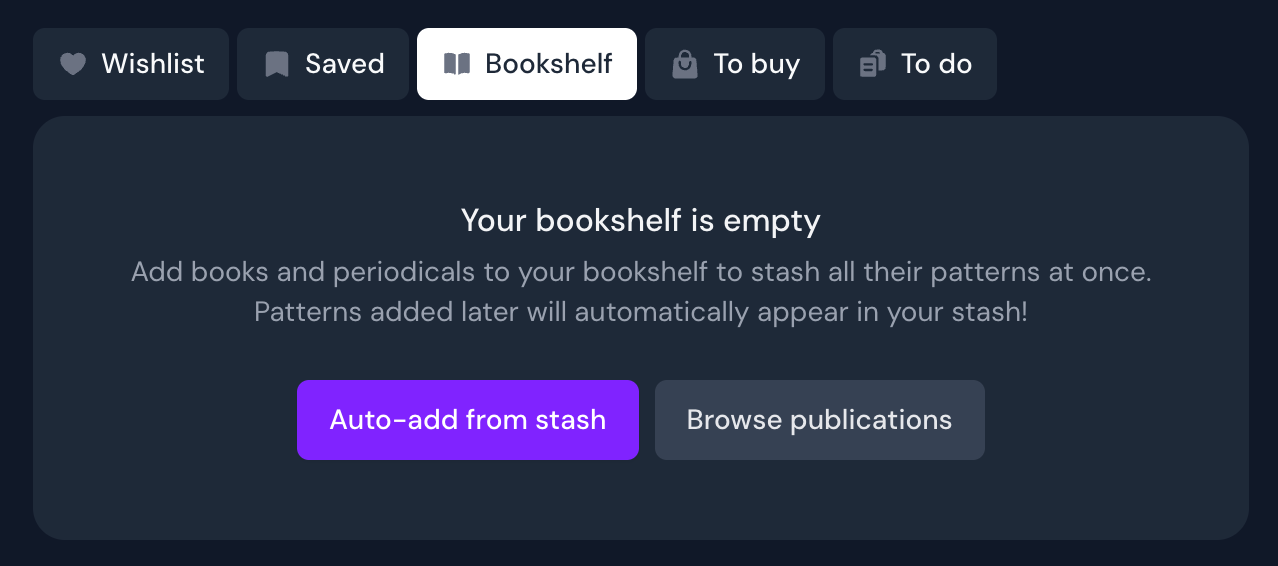
If your bookshelf is empty, you can choose to auto-add publications based on the patterns you've stashed already, or you can manually browse the publications.
How auto-add works: If you've stashed all the patterns from a book or an issue of a magazine, we will add it to your bookshelf
Empty bookshelf - choose to auto-add or browse publications
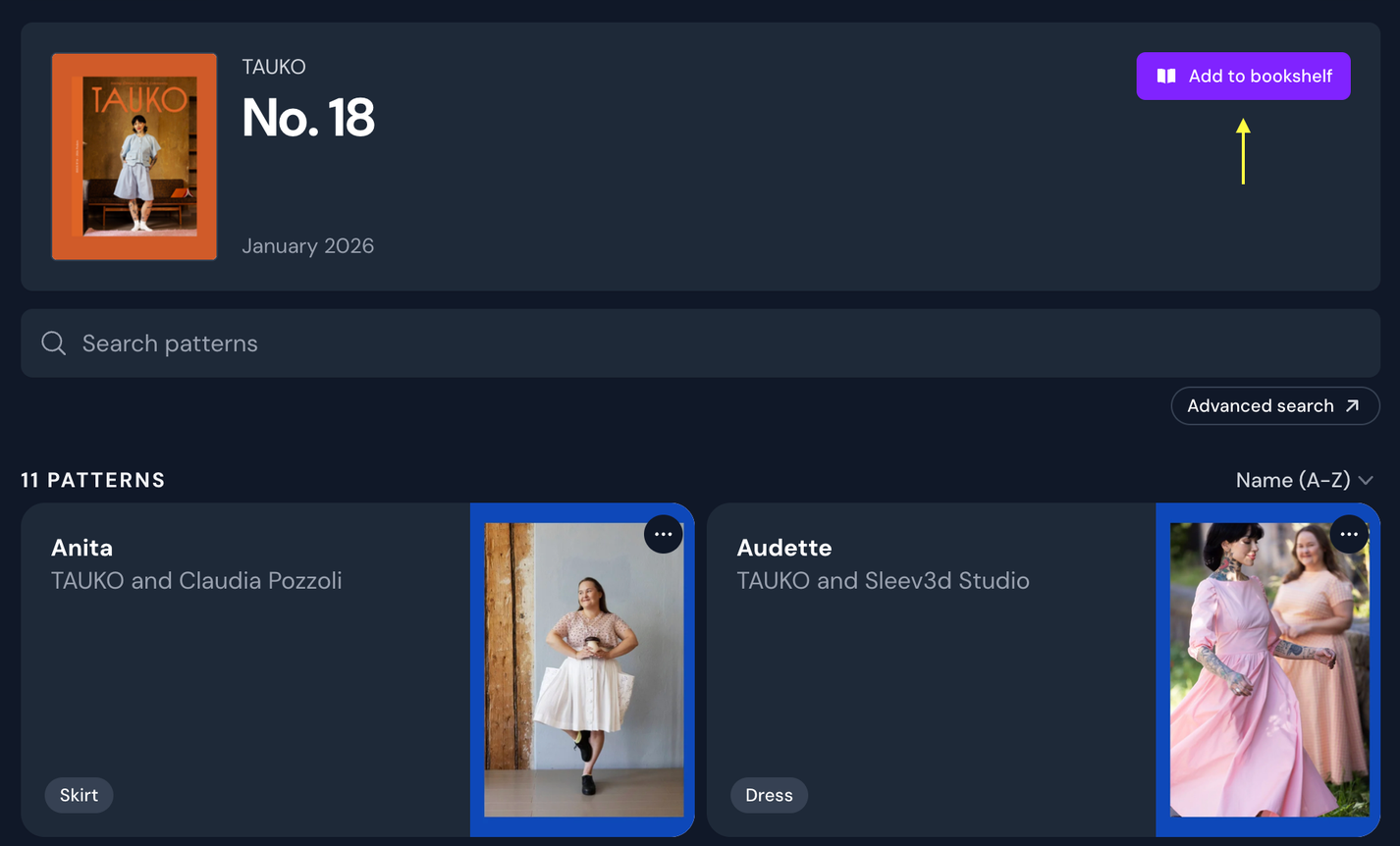
To add a publication to your bookshelf, go to the publication page, and click 'Add to bookshelf'. You can do this with books or issues of magazines (not the entire magazine publication at once).
Clicking 'Add to bookshelf' on a magazine issue will stash all the patterns at once, and make sure that any future patterns are auto-stashed as well
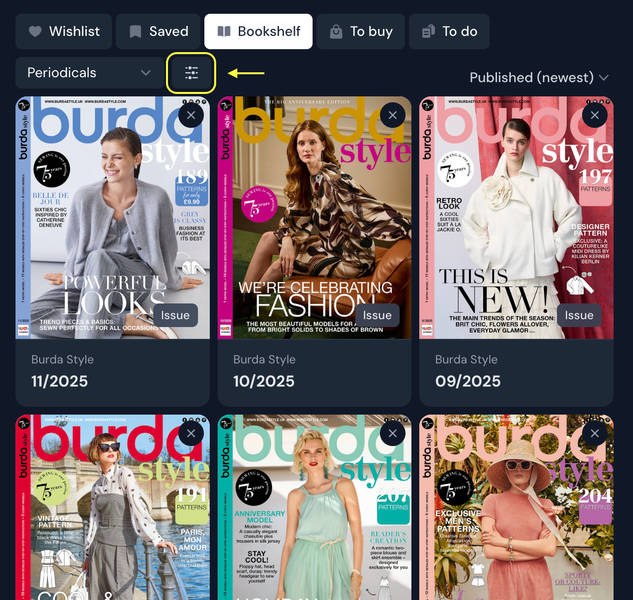
When you've added some publications to your bookshelf, it will look something like this:
Filled bookshelf
You can choose to see all publications, or use the dropdown to only show periodicals or books. If you choose periodicals, you'll get access to a filter that allows you to choose which publications you'd like to filter by.
Filter button for periodicals
Periodical filter
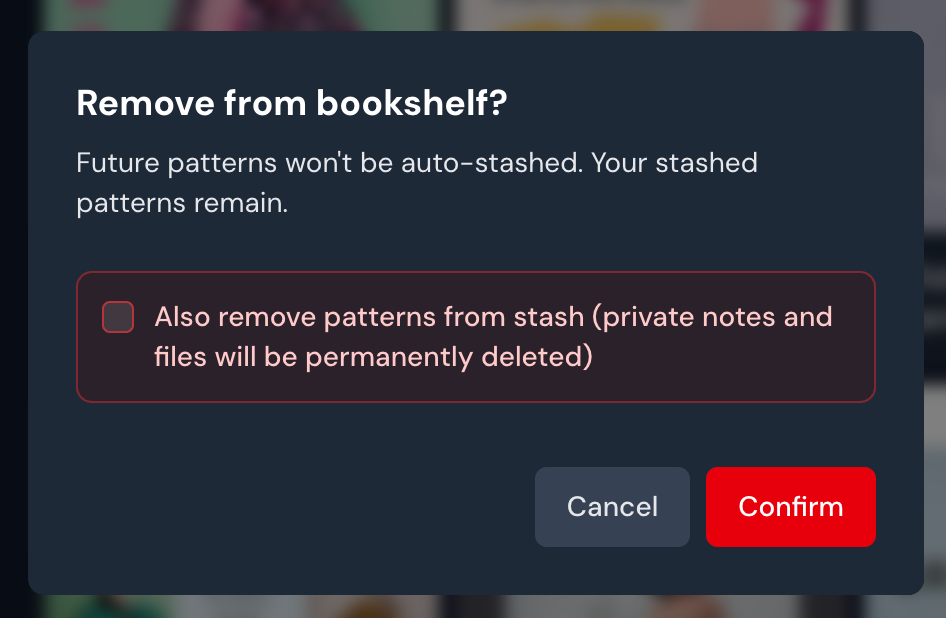
To remove a book from your bookshelf, click the cross in the top right corner. You'll then decide if you just want to remove it from your bookshelf (this disables auto-stashing future patterns), or if you also want to un-stash all the patterns in that publication.
You might want to check this if you are giving away your book to someone else, and you won't have access to the patterns anymore, for example.