Introduction
Signing up/logging in
Joining Threadloop is easy, and completely free.
Create an account
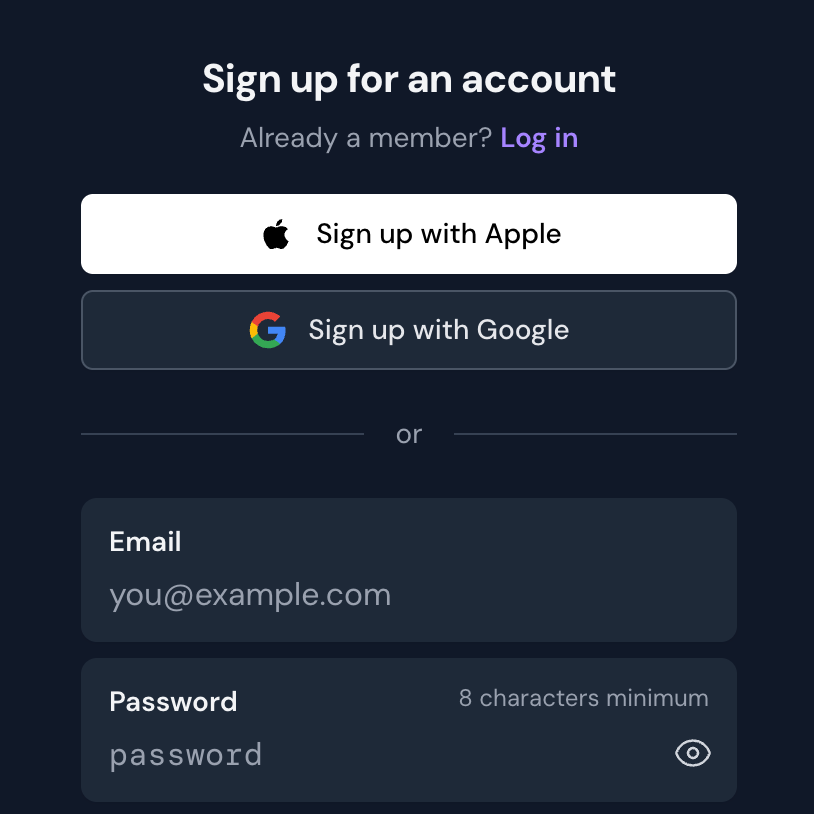
The first step is to create an account. Go to the sign up page to get started.
You can sign up and log in with Apple or Google, or by using an email address and password.
You can sign up and log in with Apple or Google, or by using an email address and password.
Confirm your email
Tip: there's no confirmation step when signing up with Apple or Google
After you sign up, we will send you an email with a link that you need to click, to confirm that you own the email you signed up with.
If you did not receive this email, you can resend it.
Logging in with Apple or Google
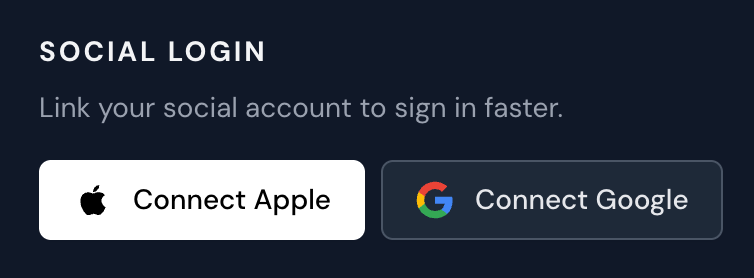
If you want to log in to your Threadloop account with one click using the 'Log in with Apple/Google' buttons, you need to connect your Apple and/or Google account with your Threadloop account.
This happens automatically if you've signed up using Apple or Google, but if you signed up manually using an email address instead, you can connect this in your account settings:
This happens automatically if you've signed up using Apple or Google, but if you signed up manually using an email address instead, you can connect this in your account settings:
- Go to your account settings
- Click on the Password & login tab
- Scroll down to the Social login section
- Click the 'Connect Apple' or 'Connect Google' buttons to link your accounts
Forgot password
If you forgot your password, you can request password reset instructions.
Issues signing up or logging in
If you are having issues signing up, please check the error messages to see what went wrong.
Make sure that you are signing up with a
Make sure that you are signing up with a
- Unique display name
- Valid email adress
- Password with at least 8 characters
If you are trying to sign up with the name of your sewing brand, you might not be able to if your patterns are already added to the database. This will be indicated by this error message:
The display name you've selected matches an existing pattern designer on our platform.
If you encounter this issue, send us an email at support@threadloop.app, preferably from your official company email address, to confirm that you are the owner of this brand. We will then connect your account to the designer in the database.
If you have any other issues signing up or logging in, please contact us at support@threadloop.app
February 27, 2026